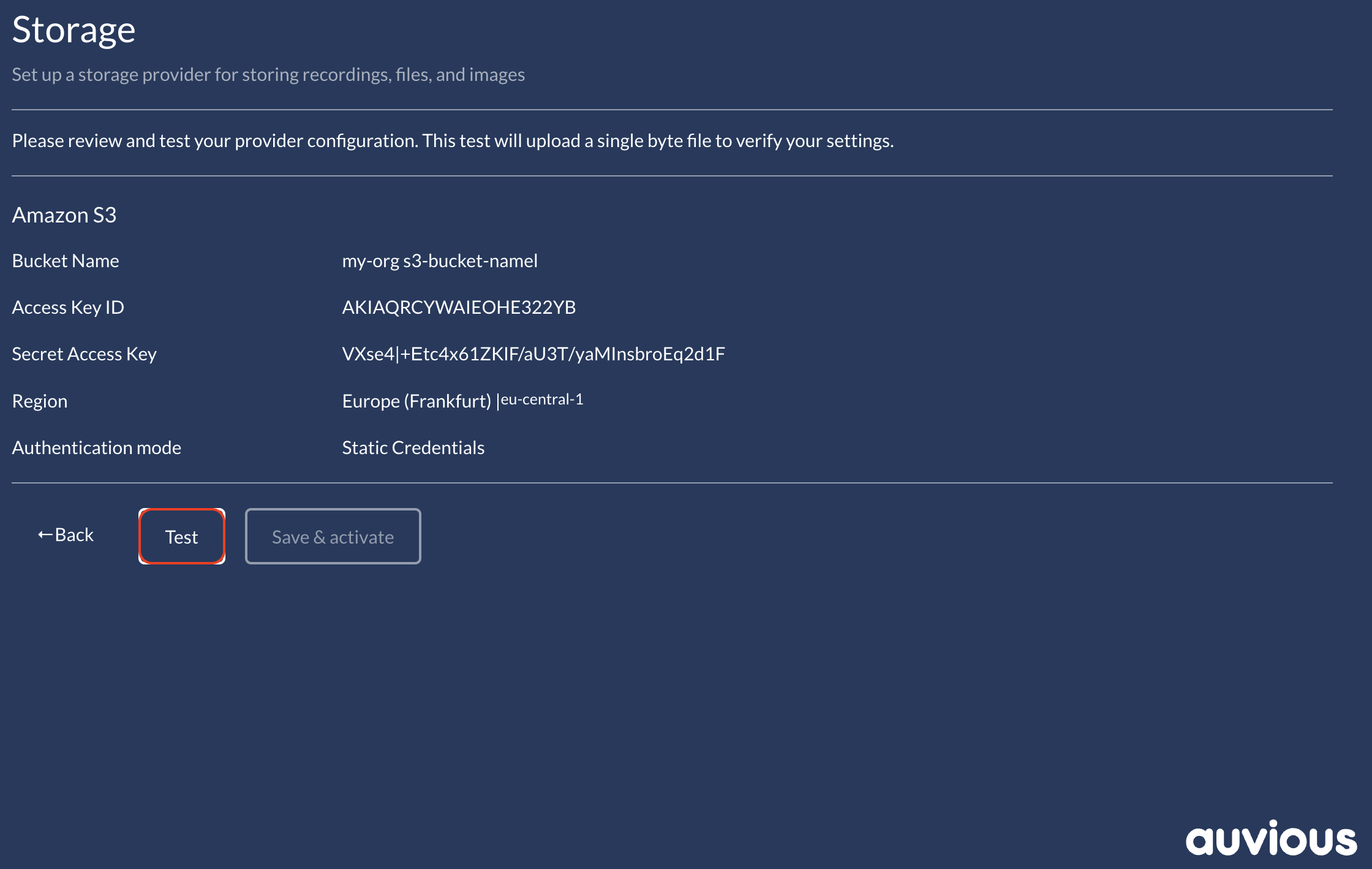
Amazon S3 (Static Credentials)
Use an IAM user's Access Key ID and Secret Access Key directly for all Amazon S3 operations. Choose this mode only when you are comfortable granting the IAM user direct access to the target bucket.
Required values
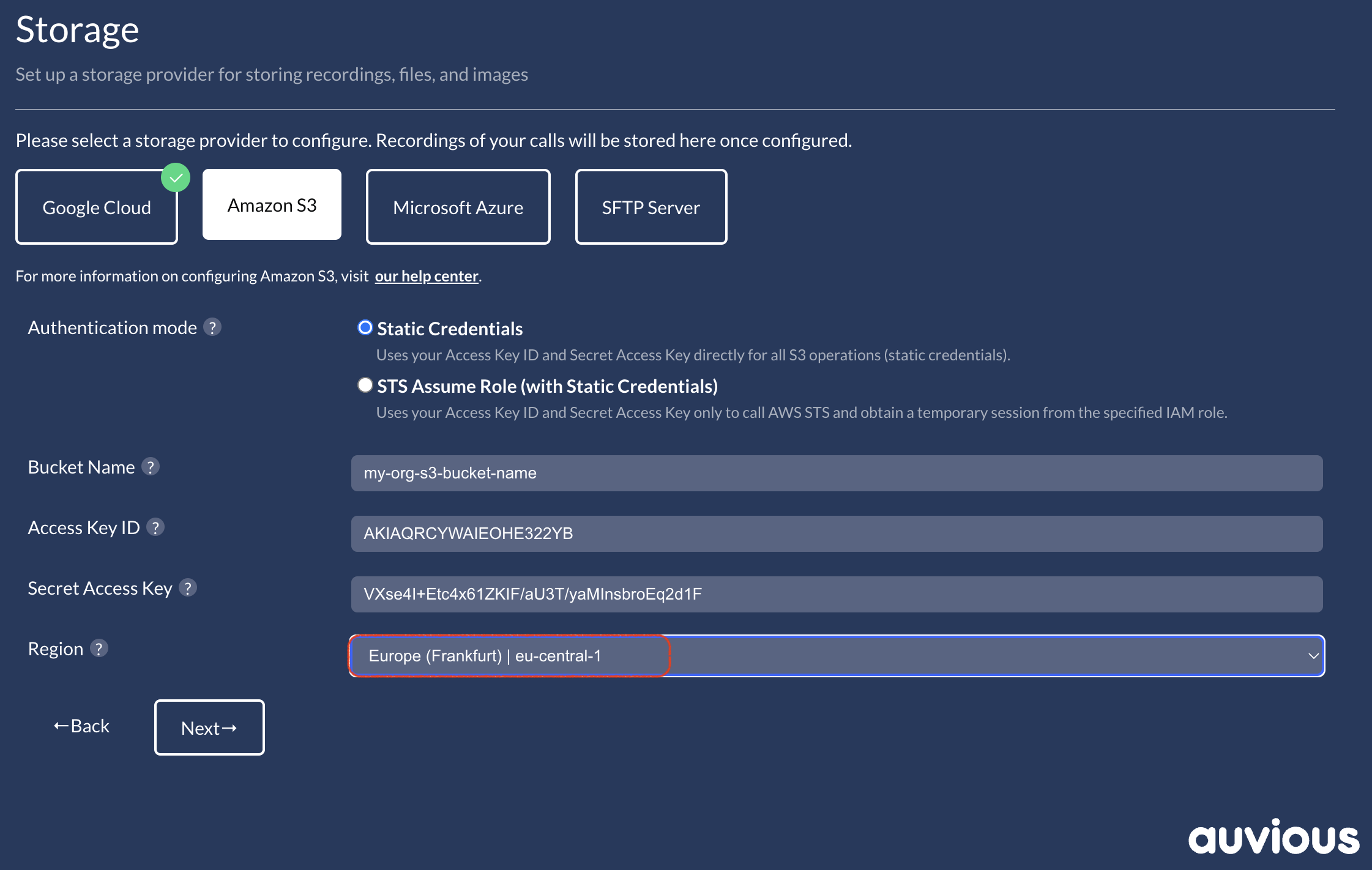
- Bucket name (required) – the S3 bucket that stores your recordings.
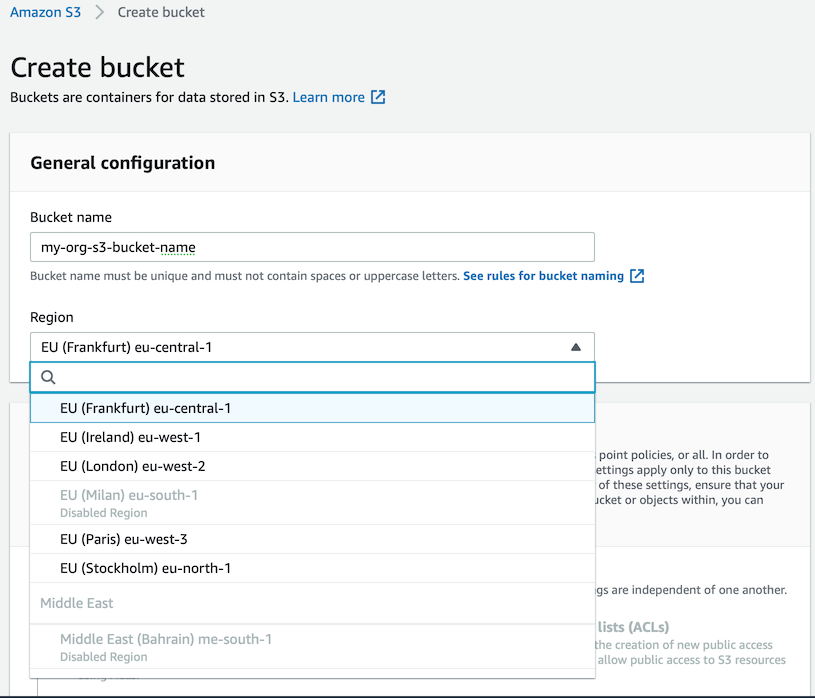
- Region (required) – must match the bucket's Region.
- Access Key ID (required) – IAM user access key.
- Secret Access Key (required) – paired with the Access Key ID.
Configure static credentials in Auvious
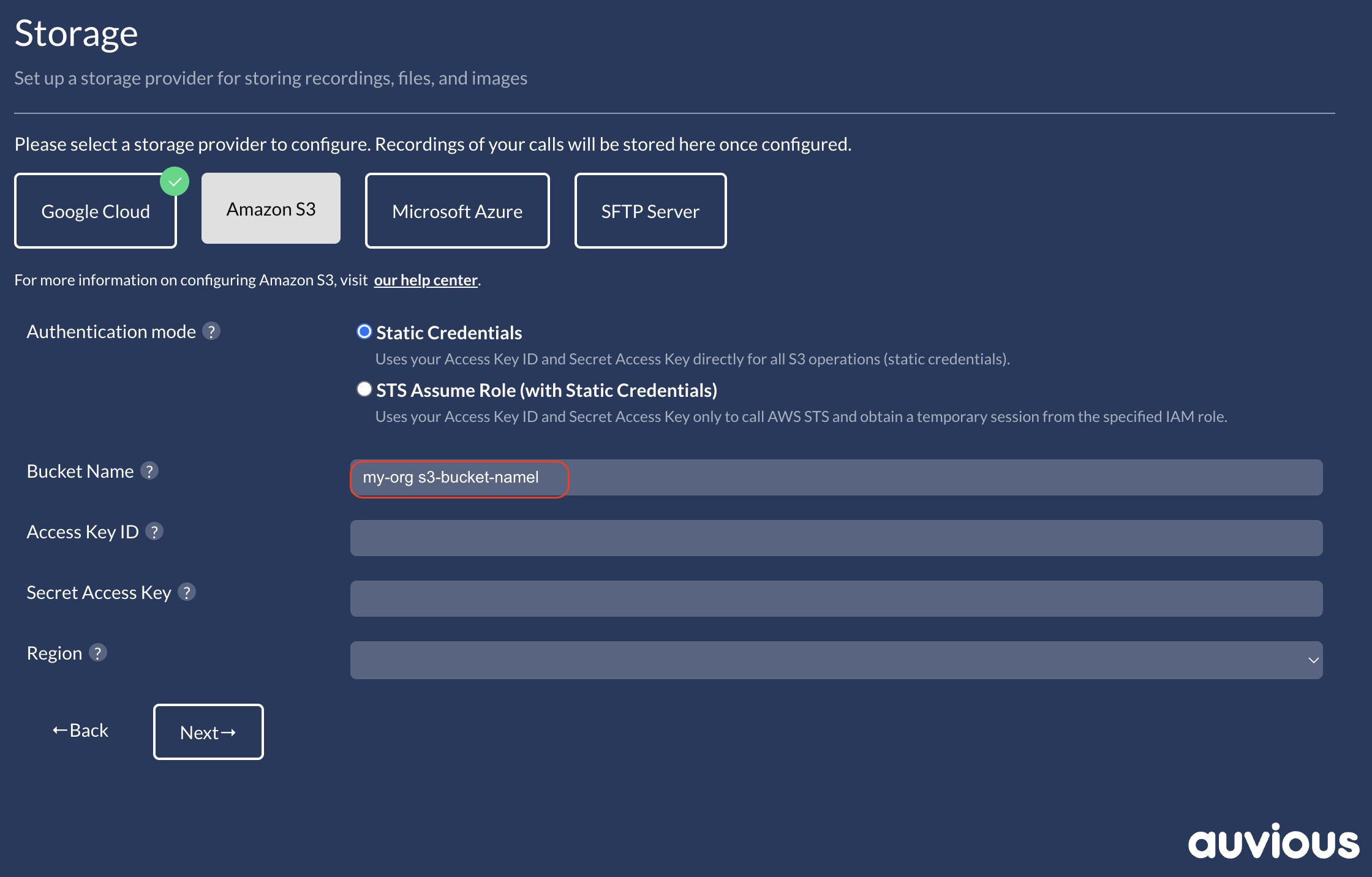
1. Bucket name
Enter the bucket name created by your AWS administrator.
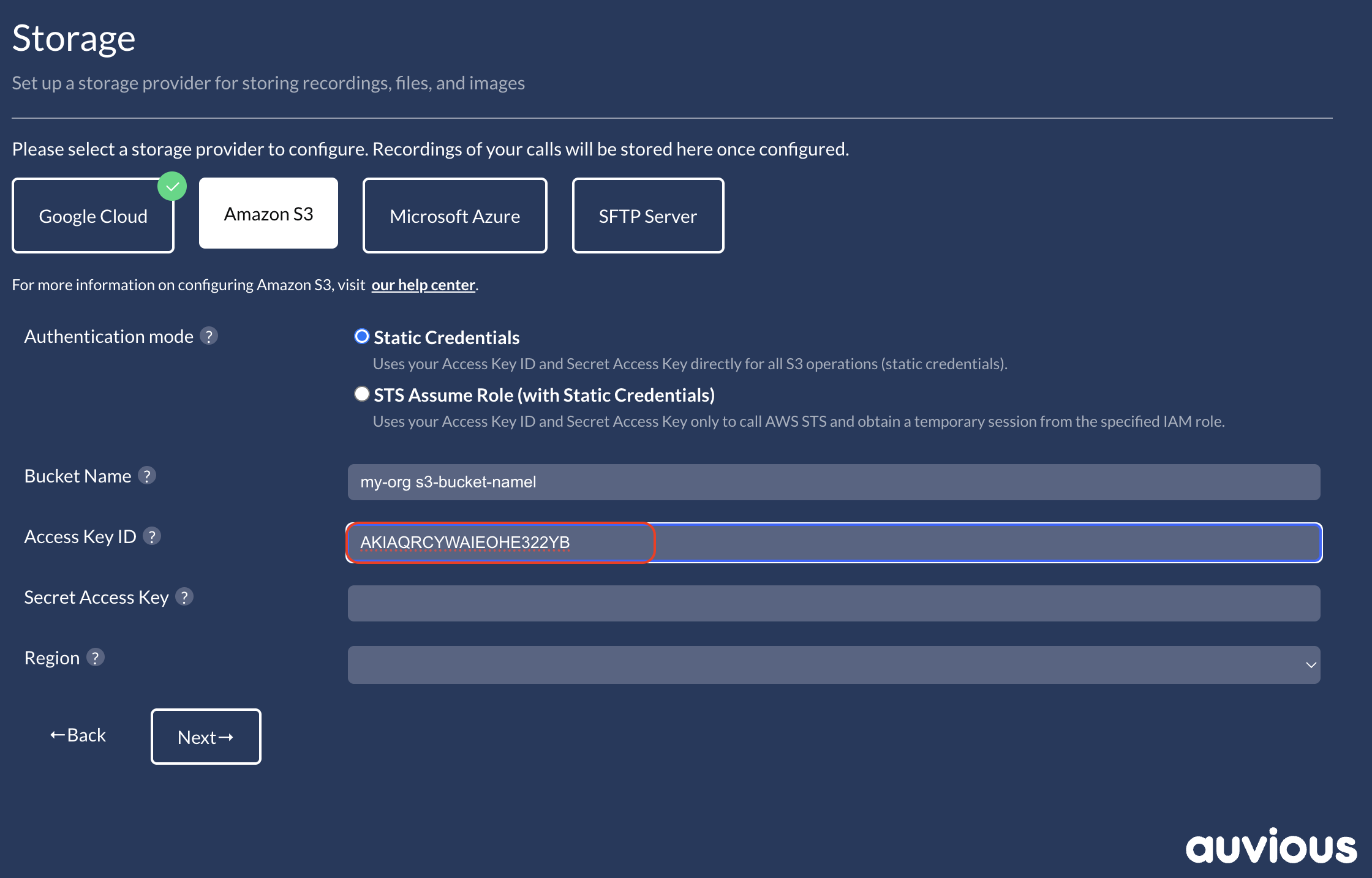
2. Access Key ID
Provide the IAM user's Access Key ID. AWS docs: Access keys
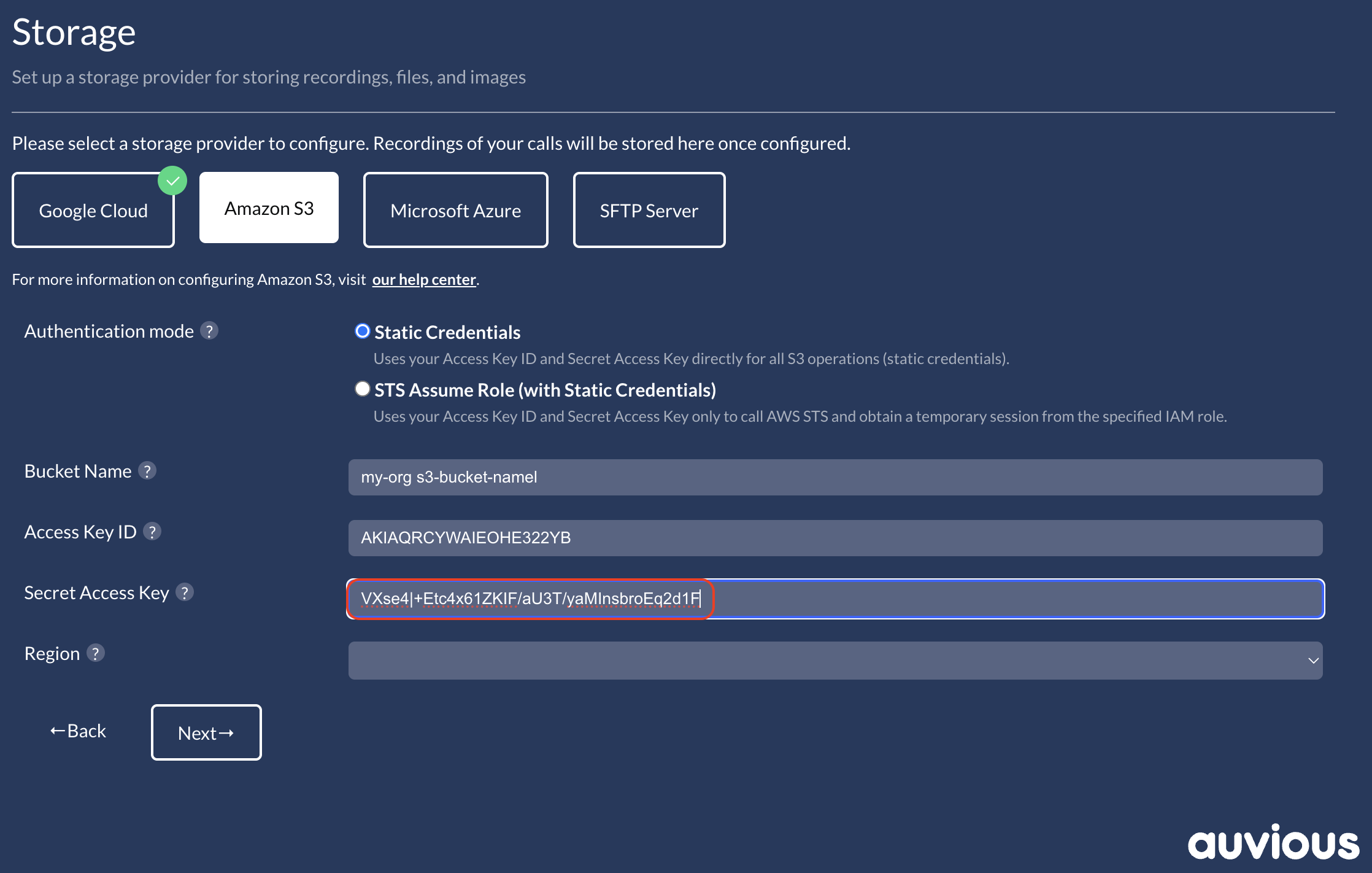
3. Secret Access Key
Paste the Secret Access Key. It is only visible when you create the key—save it securely.
4. Region
Select the same Region that was used when creating the bucket.
Permissions
Grant the IAM user these permissions on the target bucket:
- s3:GetBucketLocation
- s3:ListBucket
- s3:PutObject
- s3:GetObject
- s3:DeleteObject
- s3:AbortMultipartUpload
If your bucket policy is restrictive, explicitly allow this IAM user on the bucket and its objects.
Review & Test
Use Test in the Auvious Storage settings. The verifier runs head-bucket, upload, copy, download, delete, and a presigned URL check; missing permissions above will cause false failures.