SFTP Storage
Configure your application to upload recording files to your organizations SFTP storage server.
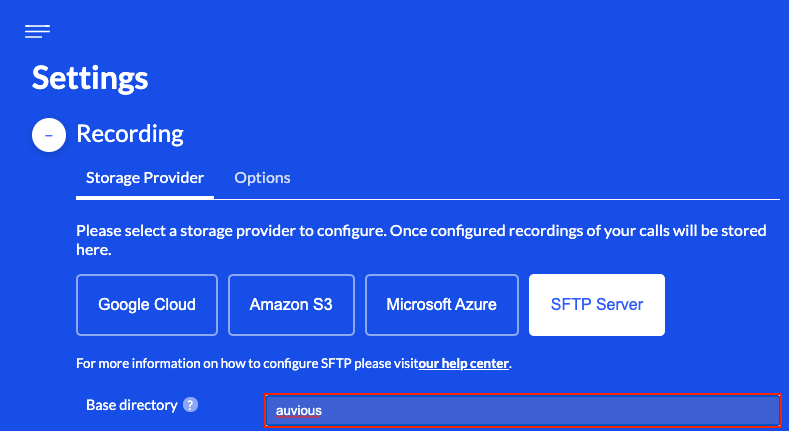
Base Directory
The default directory that will be used to store your organizations recording data. Your SFTP server administrator must create and configure this directory with the necessary read/write permissions for this user.
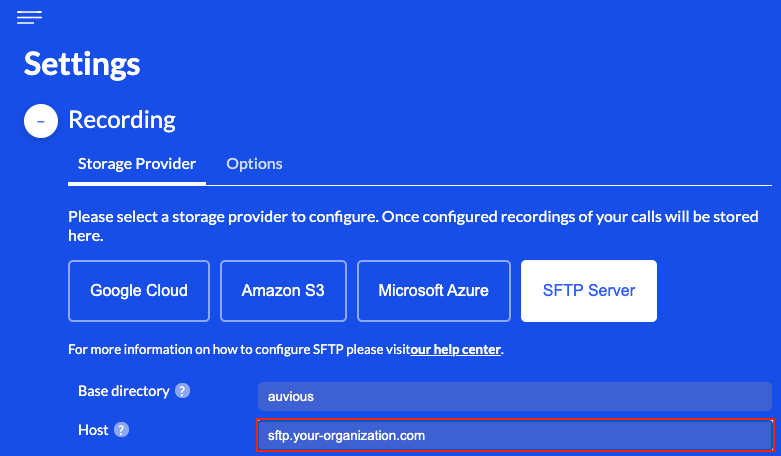
Host
The host name of the remote SFTP server.
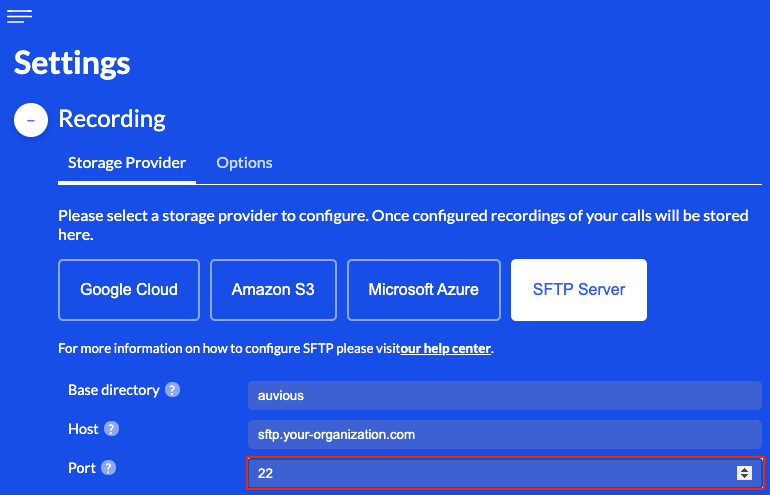
Port
The port that will be used to establish a secure connection with the remote SFTP server.
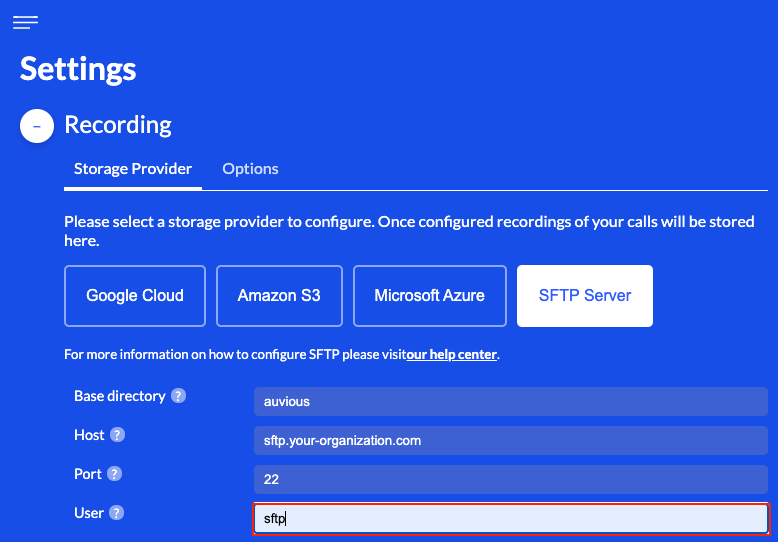
User
The username of the SFTP user that will be used when establishing a secure connection with the remote server. Your SFTP server administrator must create and configure this user accordingly.
SSH-RSA Key
A secure connection with the remote SFTP server is established using the RSA Public Key Authentication scheme. Key pair encryption configuration currently supports two options:
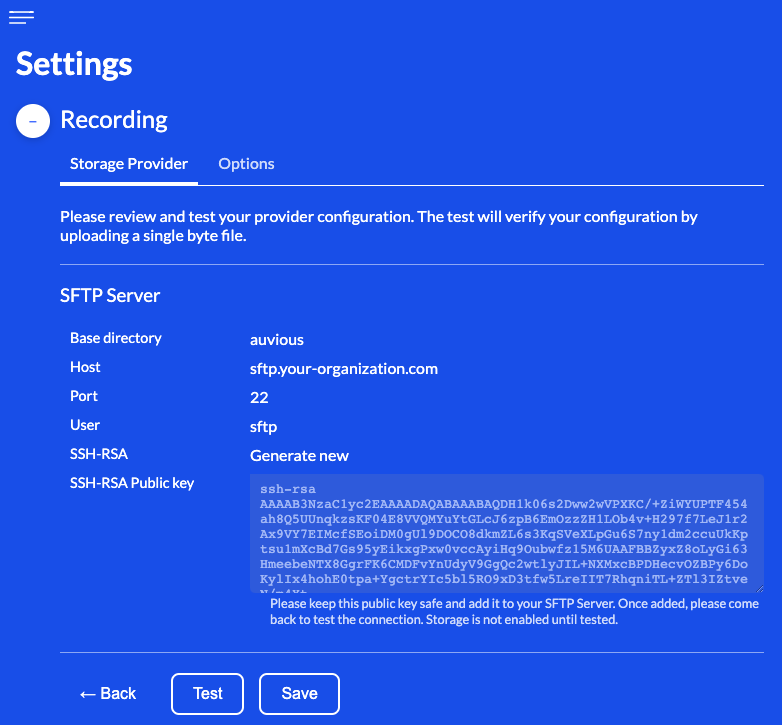
Generate new
By selecting this option a new RSA encrypted key pair is automatically generated and securely stored in our backend infrastructure. Only the public key is shared with you as only the public key is required to be copied and configured on your SFTP server. Please provide the public key of this key pair to your SFTP server administrator, as it must be configured on your remote SFTP server as an authorized key in order to successfully establish a secure connection.
correctly configured on your remote SFTP server as an authorized key, usually in .ssh/authorized_keys directory. This is required in order to successfully establish a secure connection between auvious and your SFTP server.
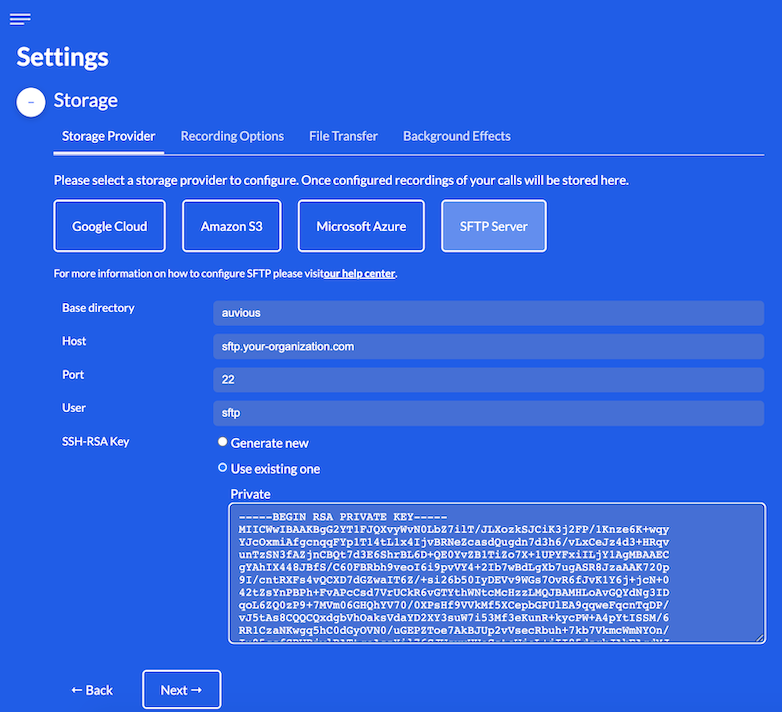
Use existing one
This option requires the corresponding private key of a pre-existing RSA encrypted key pair.
In some cases it might be more convenient to use a pre-existing RSA key pair where the public key might already be configured on the remote SFTP server. Please provide the corresponding private key and ensure that the public key has been correctly configured on your remote SFTP server as an authorized key before attempting to establish a secure connection. Several formats are supported:
- OpenSSL style: Starts with line '-----BEGIN RSA PRIVATE KEY-----' ends with line '-----END RSA PRIVATE KEY-----'
- OpenSSH style: Starts with line '-----BEGIN OPENSSH PRIVATE KEY-----' ends with line '-----END OPENSSH PRIVATE KEY-----'
PKCS8 style: Starts with line '-----BEGIN PRIVATE KEY-----' ends with line '-----END PRIVATE KEY-----'Due to a known issue in a 3rd party library PKCS8 format is not currently supported.
Last but not least, make sure that the private key provided is NOT password protected.
configured on your remote SFTP server as an authorized key, usually in .ssh/authorized_keys directory. This is required in order to successfully establish a secure connection between auvious and your SFTP server.
Review & Test
In the final step you can review and go back to make any necessary corrections.
When you are ready you can save and/or test your configuration to ensure that Auvious can successfully access your SFTP storage server.
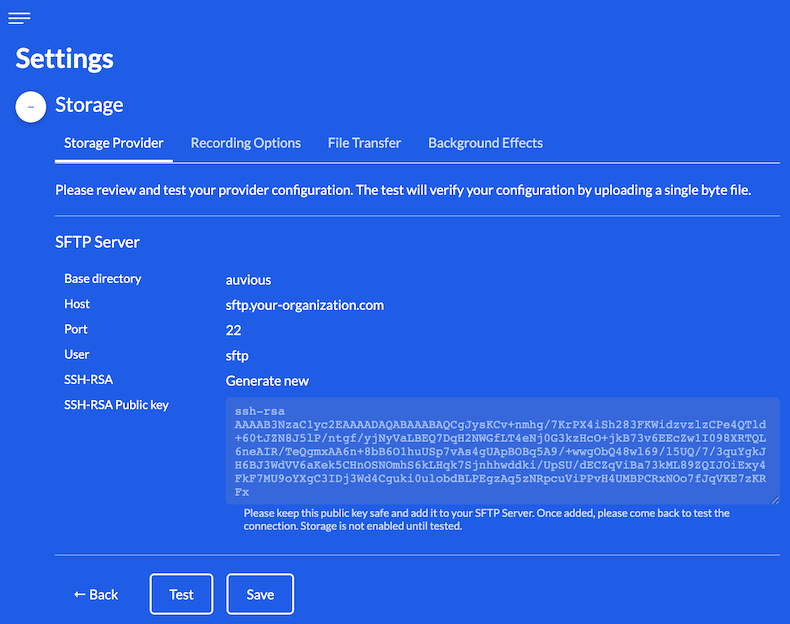
Before testing please ensure that your SFTP server has been properly configured with a public key, as mentioned earlier. If your SFTP server configuration is pending you can save the current configuration and re-visit these settings at a later date.
inactive, preventing any audio or video calls from being recorded.
The test performs a TCP reachability check and then upload, download, copy, and delete probes in the base directory. Ensure the directory already exists with read/write/delete rights for the configured user, and that firewalls/timeouts allow these operations.
Troubleshooting
| Error/message | Likely cause | Fix |
|---|---|---|
| Connection refused/timed out | Host/port unreachable or firewall blocks | Validate storageProviderHost/storageProviderPort; open firewall; check IP allow-list |
| UserAuthException / Permission denied (publickey) | Wrong SSH key or username | Ensure storageProviderKeyPairId resolves to the right private key; confirm storageProviderUser matches server setup |
| Permission denied on paths | User lacks rights on base directory/files | Grant write/read/delete on the base directory (storageProviderBucket); verify directory exists |